Kingfisher Apps
Your home. Your rules. Your PC.
Set up automations in minutes: pick a trigger, add a condition if you need one, choose an action. Everything runs locally on your PC — private by default. Just download and start.
 Build Your Rules
Pick a trigger, add a condition if you need one, then choose what should happen.
 Trigger Audio
Play your own audio clips or GIFs when a rule fires.
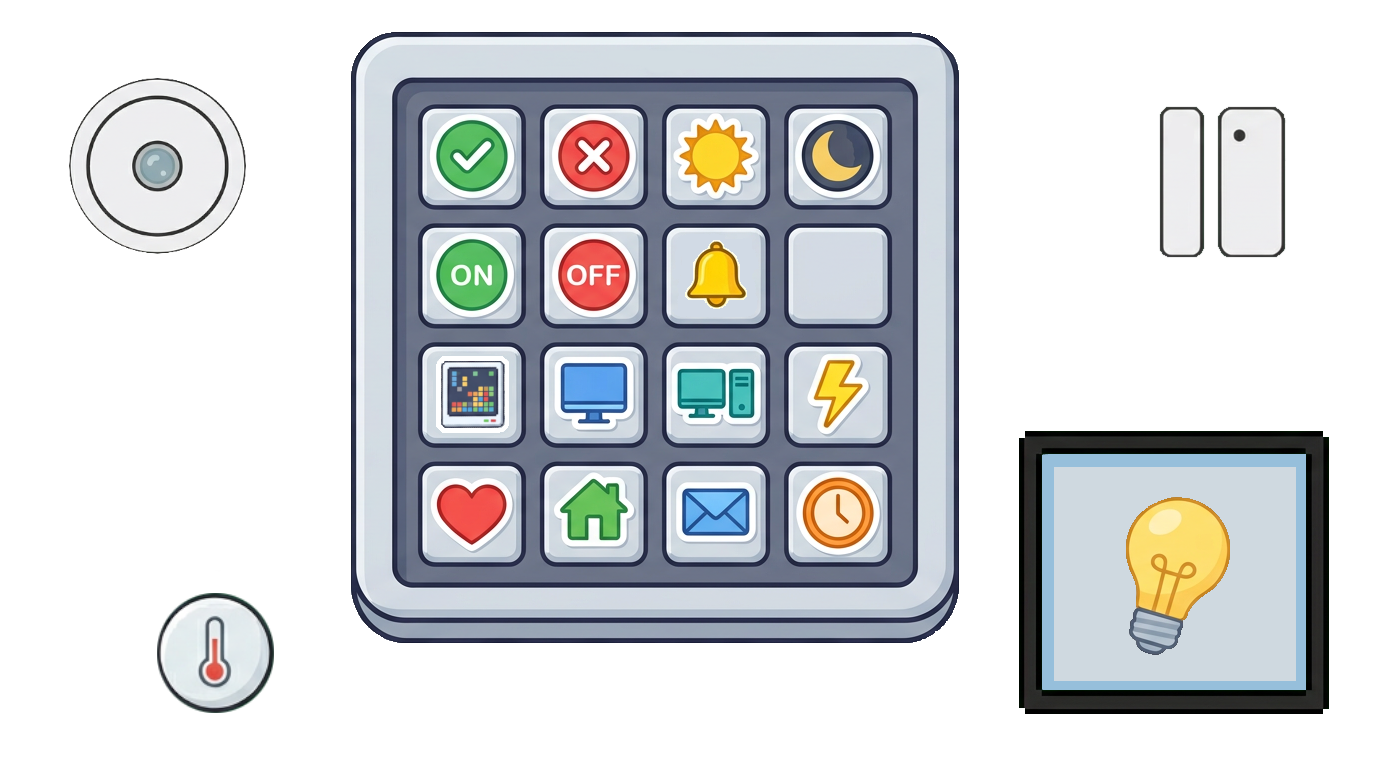
 Use Key Triggers
Bind keystrokes to scenes, lights, or anything else in your setup.
 Print Key Stickers
Upload your own icons and print stickers for cool keyboard macros.
 Announce with Voices
Have a rule speak a message aloud — download voices and pick one for your announcement.
 Bridge Your Ecosystems
One powerful place to see and control it all — build your dashboard, arrange rooms, and run the home your way.
Every automation follows the same pattern: something happens, optional checks pass, then your devices respond.
Kingfisher SmartHome turns the PC or Laptop you already have into a home automation hub. Built for Windows 11 — connect the devices you own, build rules in a few clicks, and let your automations run locally. Private, and still there when you're offline.
Every offline feature is free — no subscription required. Pro unlocks remote control via the companion app or website and raises limits on saved rules and uploaded media. Local automations stay free.
Use the companion app or open the dashboard in your browser when the Windows app is running on your PC. You can check in or trigger things remotely.
Local automations stay free — always. Pro adds remote access and higher limits. Pay monthly, or save with annual billing.
Local home automation on your PC.
€0 forever
Remote access and room to grow.
€6.99/mo or €69/yr billed annually
During beta, every account gets Pro free. We'll give you at least 30 days notice before billing starts.
We have just started and will keep improving the experience — share any suggestions at support@kingfisherapps.com.